Authentication Keys
API Keys
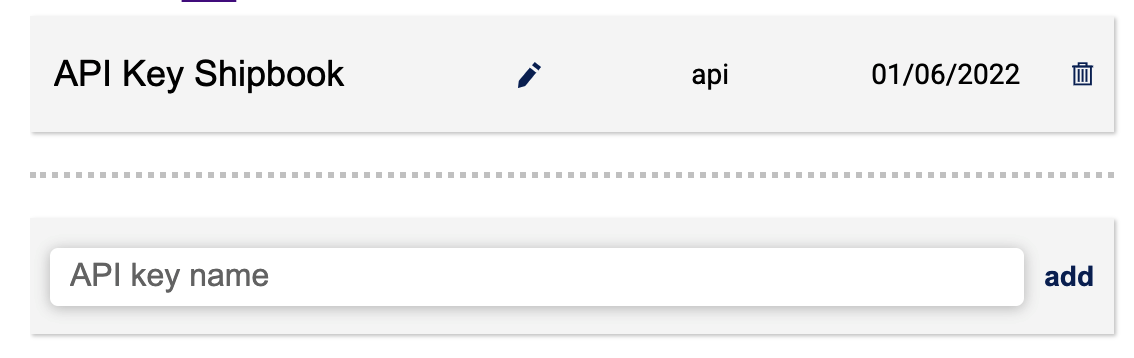
Shipbook has made a list of free public API's (application programming interfaces) that are open for use with Shipbook software for programming and development.
In the text bar give your API key a name, and then select 'add'. A message window with the API token will open. Note that this token will be provided only once so be sure to save it. You can copy the token with ctrl C or by selecting the copy icon. When you're ready, click OK to close the window.
For more information: Server Api
MCP Keys
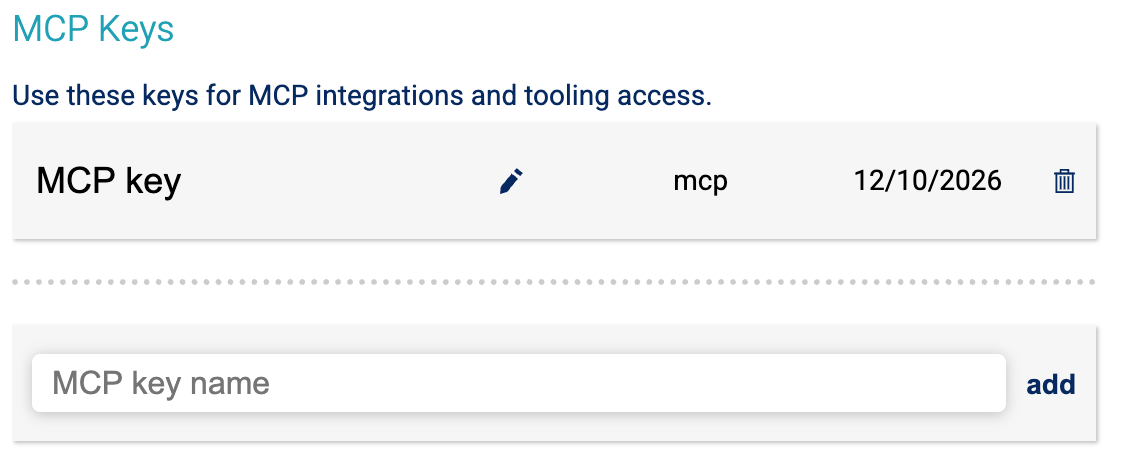
MCP (Model Context Protocol) keys are used to authenticate with Shipbook's MCP endpoint, allowing AI assistants like Cursor, Claude Desktop, and others to access your logs and error data programmatically.
In the text bar give your MCP key a name, and then select 'add'. A message window with the MCP token will open. Note that this token will be provided only once so be sure to save it. You can copy the token with ctrl C or by selecting the copy icon. When you're ready, click OK to close the window.
Use this token in the Authorization header when configuring MCP servers in your AI assistant: Authorization: Bearer YOUR_MCP_TOKEN
For more information: MCP Documentation
DYSM Keys for iOS
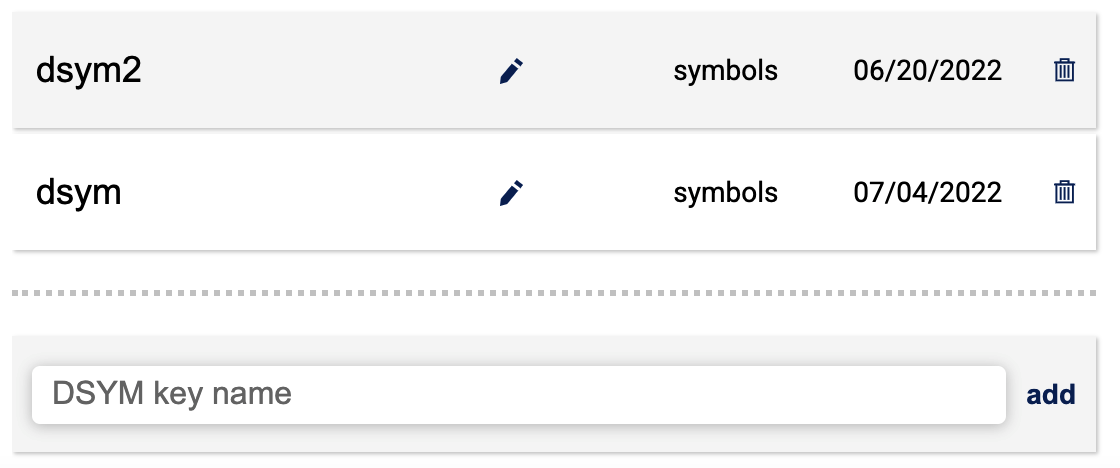
The dSYM file is the human-readable stack traces of the crash.
In the text bar give your DSYM key a name, and then select 'add'. A message window with the DSYM token will open. Note that this token will be provided only once so be sure to save it. You can copy the token with ctrl C or by selecting the copy icon. When you're ready, click OK to close the window.
For more information: DSYM File